RAG
Docs. Indexes your documentation and answers how-does-this-work questions. Auto-re-indexes on GitHub merges. Example: "How is churn calculated?"

A Tableau AI Assistant for BI teams
d.Ask is a Tableau AI Assistant that puts a plain-English layer on top of your Tableau dashboards, databases, and documentation. No new dashboards. No SQL. Just answers in minutes, not days.
"Deep domain knowledge around Tableau, data visualization and integration" Dick Olsson, Director, Principal Engineering Lead @ Pfizer
The problem
Your analysts are good. They shouldn't be spending their days answering what's-the-number questions.
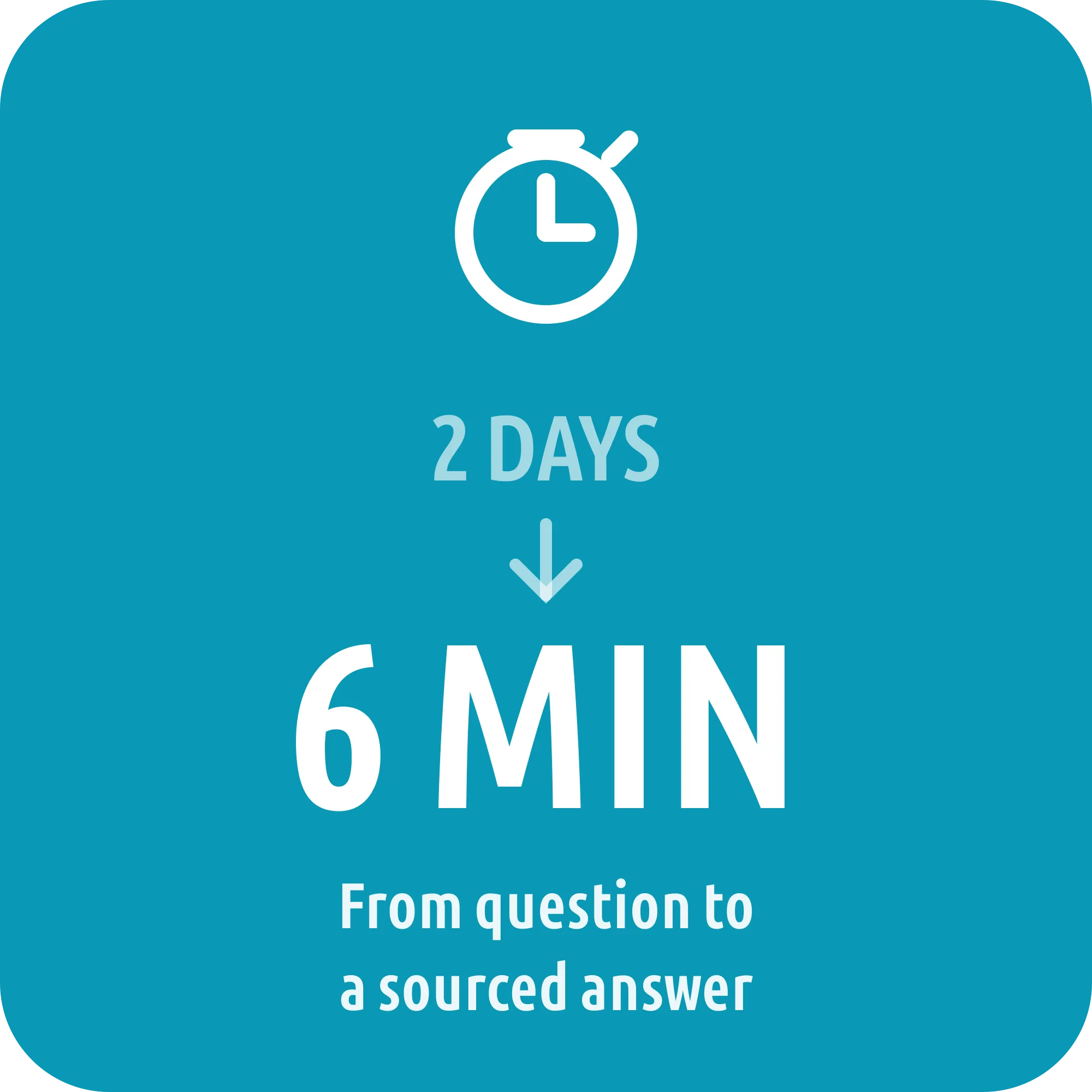
Business users wait two days for a number that takes five minutes to pull. Your analysts spend 40% of their time on lookups, not analysis.
Business logic lives in Tableau calc fields, scattered READMEs, and Slack threads. When someone leaves, the knowledge goes with them.
Rigid dashboards answer yesterday's questions. Today's question needs a new view. That is next sprint at best.
Architecture
Ask a question in plain English. d.Ask queries three sources in parallel, cross-checks them, and returns one sourced answer. No SQL needed.
Plain English. No syntax. No training required.
Searches your documentation: READMEs, metric definitions, known issues.
Generates SQL and queries your database. Supabase, Snowflake, Postgres.
Connects to Tableau Cloud live. Reads calc fields, links dashboards, checks formulas.
Cross-checks all three. Returns one sourced answer. Flags contradictions.
Sources
d.Ask sees documentation, numbers, Tableau metadata, and one combined answer side by side
The talk
How the four agents are wired, what breaks when the layer underneath disagrees with itself, and the parts that did not work first time
Nothing is requested from Google until you press play. If you would rather not, the talk is also on YouTube.
Tableau Conference 2026. Thirty five minutes.
The same four questions. Your analyst vs. d.Ask. These numbers are measured, not estimated.
135 min at standard rate
~10 minutes
from one system at 50k q/mo
$600k in analyst capacity
ROI
| What | Your analyst today | d.Ask |
|---|---|---|
| Time per question | 135 min | ~10 min |
| Cost per 4 questions | $95.85 | $2.32 |
| Available | Business hours | 24/7 |
| Sources cited | Rarely | Every answer |
| Handles more questions | Hire more analysts | Same system |
Use cases
Directors, engineers, and team leads are all waiting on data. Here is what d.Ask returns in under two minutes.
Get started
The free workflow gets you running in an afternoon. Production-ready takes expertise. That is where Data Dune comes in.
A mid-size SaaS company deployed and calibrated d.Ask across Tableau, Snowflake, Postgres and their documentation
FAQ
The practical bits: security, accuracy, fit, ownership, and how quickly you can get moving
It inherits permissions from your existing database and Tableau, including row-level access. d.Ask never stores query results, and production deployments run in your tenancy or on-prem.
The Database agent is constrained to known schemas and validates queries before running. Results are cross-checked against the Tableau and RAG agents; disagreements are flagged, never silently resolved.
Those tools answer questions about dashboards you already built inside one BI stack. d.Ask sits on top of whatever BI tool you already run and answers across your database, docs, and Tableau metadata combined. That includes questions no dashboard exists for. It's a Tableau AI Assistant, not a replacement BI platform.
100% in your environment. d.Ask runs in your tenancy or on-prem, queries your database and Tableau directly, and stores nothing. We provide the know-how and the setup; the system, the data, and the keys stay with you.
Bring your own. d.Ask works with OpenAI, Anthropic, Azure OpenAI, AWS Bedrock, or a private model. Only the question text and minimal schema context go to the LLM, never raw query results, customer records, or full table contents. For regulated environments we deploy against a private endpoint.
The free workflow is free forever. LLM running cost is roughly $0.50–$0.60 per 4 questions on a standard model. That is about 41x cheaper than analyst time. Our implementation is a fixed-scope engagement from one week; no per-seat fees, no SaaS lock-in.
The workflow runs in n8n with documented prompts, agents, and integrations. Your engineers own it; we provide handover docs and 30 days of post-implementation support.
The free workflow runs in an afternoon. Production-ready setup, including auth, monitoring, and your prompts, is typically a 2-3 week engagement.
Next step
We build d.Ask into your stack. Your Tableau. Your database. Your docs. Your team gets answers in minutes, not days.
No credit card. No sales call required. Works in an afternoon.